The Forsaken Lab 3D: begin with the diary
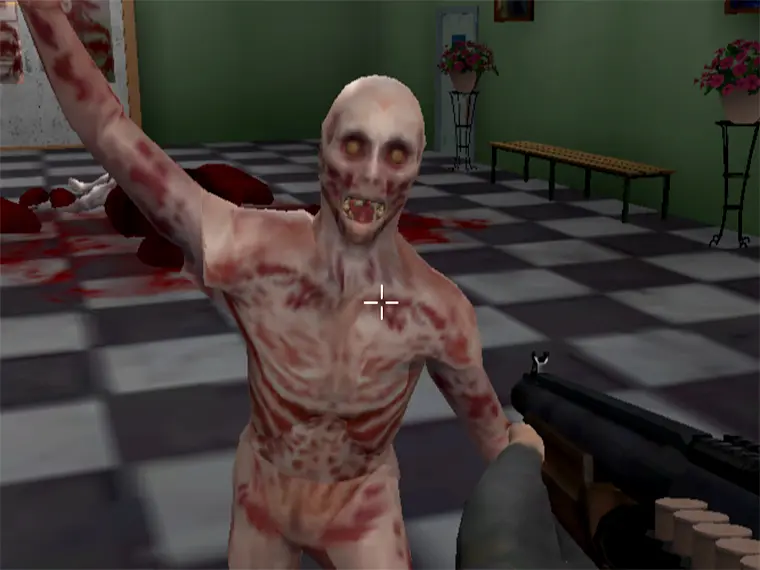
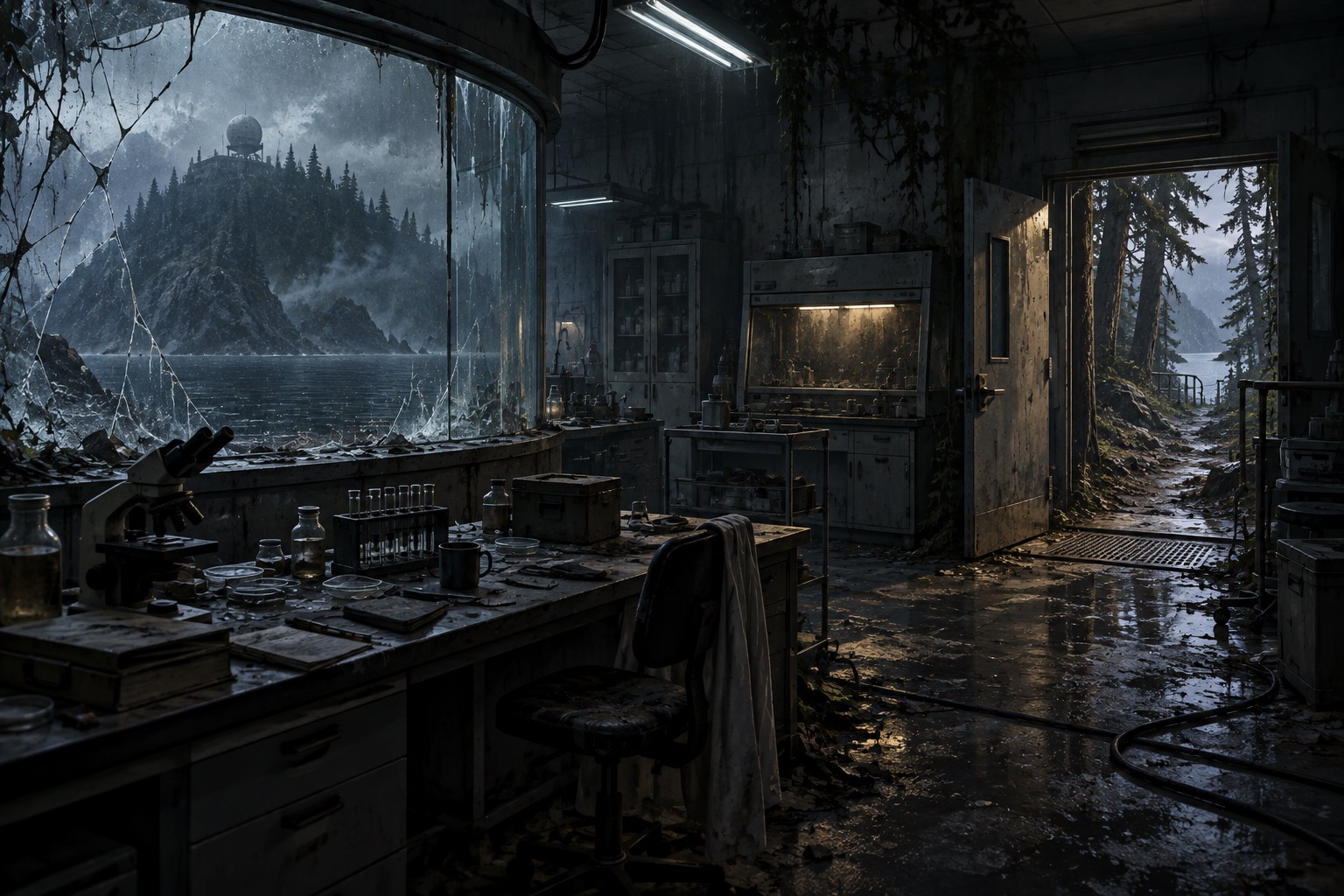
The Forsaken Lab 3D puts you on an unfamiliar island where a laboratory experiment has left dangerous mutated inhabitants. Escaping is the broad objective, but the first useful step is smaller: understand your controls, inspect what you already carry and read the information the game gives you. The browser window above loads the original title supplied by Y8.
This guide covers the starting interface, inventory and practical preparation for exploration. It does not provide a complete ending route or claim that every doorway has been tested. We entered a new session without logging in, opened the backpack, read its three help panels and opened the initial diary entry. Those steps are explained below so you can reproduce them.
Start a new browser session
The title menu offers Login, New Game, Continue, How to Play and Settings. New Game entered the opening scene during our guest check; selecting Login was unnecessary for that test. Continue and account features concern existing progress, so do not assume an unfamiliar browser already has a session to restore. This page does not promise that saves transfer between devices.
Open How to Play if you want the game's own keyboard reference before beginning. Return with Back, then choose New Game and allow the loading sequence to finish. A rendered outdoor scene with a crosshair and status indicators is the starting environment, not another website cover. Click inside the playing area before using keyboard commands.
The Forsaken Lab 3D requires desktop keyboard and mouse input. A smaller page layout can fit a phone, but it cannot replace the controls needed to move, aim and drag inventory items. The original player is tall; scrolling the surrounding page may be necessary to see its lower interface. Keep the relevant menu fully in view before dragging objects.
Use the right key for the right task
Movement and interaction are separate actions. The game's instruction panel lists WASD, ZQSD or arrow keys for movement, the mouse for looking, Shift for running and Space for jumping. Left mouse click is shooting or attacking. Do not expect an interaction key to move you closer to an object: position and viewing direction still matter.
In The Forsaken Lab 3D, F performs an action, picks up an item or searches a box. E changes weapons; the mouse wheel also changes weapons. R reloads. These distinctions are easy to miss if you have just played a different horror game where E means interaction. Read the prompt and check which task you are actually attempting before repeatedly pressing a key.
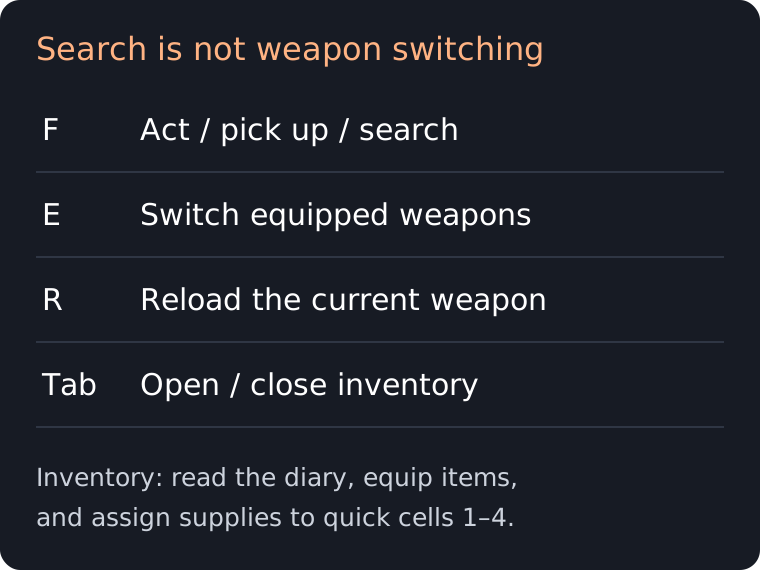
Tab opens and closes the inventory. If the browser moves focus between page links instead, click back into the game first. The surrounding Controls navigation link jumps to this guide; it does not change the game's keyboard settings. When a command works in one context and not another, check whether a menu is open before treating the entire game as unresponsive.
Inspect the backpack and its help
Opening the inventory in The Forsaken Lab 3D shows a storage grid on the left and equipment areas on the right. The question-mark control opens a three-part illustrated tutorial. We checked each panel using Next tip. This is a useful reference when you are unsure where an object belongs; its instructions distinguish supplies, weapons and protective equipment.
The first panel explains quick cells. Drag medical kits or food into those cells, then use the numbered keys one through four for quick use. The same panel identifies the drop area at the bottom of the inventory and a middle-click alternative for dropping. Dropping is different from using: keep an item inside storage if you have not decided to discard it.
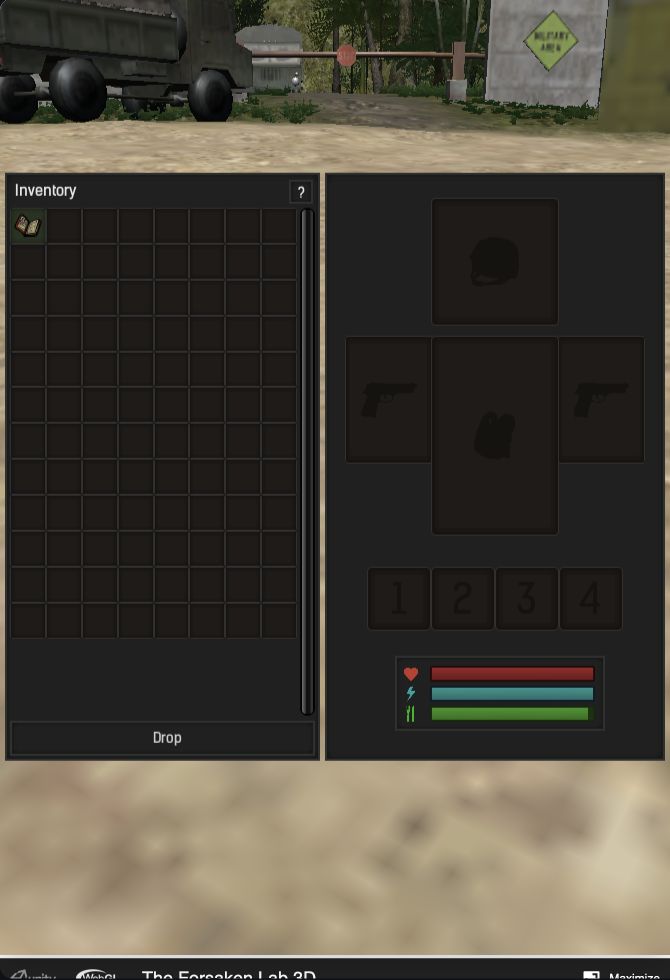
The second panel tells you to drag weapons into the weapon cells before switching between them with E or the wheel. The third places a vest and helmet in their corresponding equipment areas. A picture in the help panel is an example, not proof that your own character already owns that equipment. Inspect your actual grid rather than copying the tutorial's pictured supplies.
Read an entry instead of guessing the route
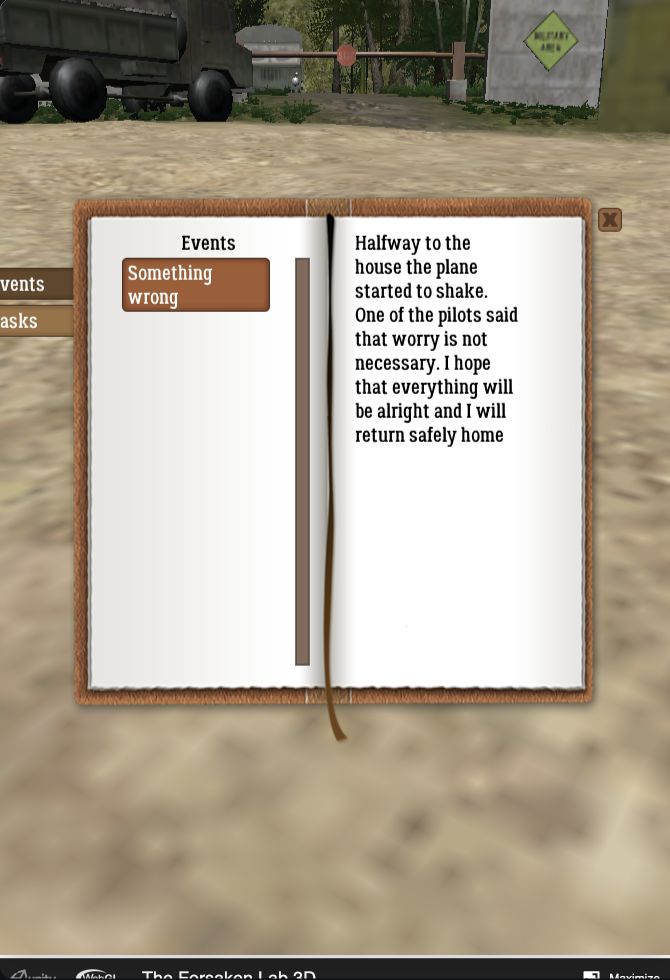
The starting inventory contained a diary during our check. Left-clicking it opened a book with Events and Tasks tabs. Selecting the visible Something wrong event displayed text on the right-hand page. Merely opening the book left that area empty until an entry was selected. If your journal looks blank, check its entry list before assuming that it failed to load.
This gives a repeatable first task in The Forsaken Lab 3D: start a session, press Tab, click the diary and choose the initial event. Close the book with its visible close control when finished, then return to the inventory or scene. Later notes are also covered by the first help panel, which explains reading them through a left click.
Use this information as orientation rather than a substitute for observing the island. After a new discovery, compare the current task with nearby landmarks. Suggested exploration practice is to remember the last recognizable junction and inspect one area at a time. This is general navigation advice, not an assertion about the exact next enemy, key or exit location.
Common questions before continuing
Is this the sequel?
No. The Forsaken Lab 3D and the title ending in 2 are separately listed games. A video of the sequel may show a different starting area or route. Match the full title before following a walkthrough, particularly when searching for a solution to a specific room.
Does online mean multiplayer?
The publisher labels this a single-player game. Browser delivery and account features do not establish a cooperative mode. For two people sharing a racing game locally, compare Mayhem Racing; its rules and input arrangement are separate.
What if the window stays blank?
Allow the initial load to finish, then try reloading if no title or scene appears. Reloading can end the current session, so it is a recovery step rather than a routine control. The guide and recommendations can remain available even when the third-party game host is temporarily unavailable.
Which game should I try next?
For another island mystery with notes and a different inventory, try Code_12. For a more focused corridor exploration experience, choose Nox Timore. The complete companion collection also includes driving games when you want a different pace.
Sources and scope
The publisher's listing identifies the title and desktop requirements. Inventory, diary and keyboard explanations were checked in the embedded game's menus. Blockdeck supplies this independent guide; it does not develop the game or control the provider's account and save services.
Skyler White's The Forsaken Lab 3D gameplay offers a longer, uncommentated view of the original game. It goes beyond this introductory guide and can reveal later areas. The video is optional; the verified diary steps above do not require watching it.