Ghost Town WebGL: survive a monster-filled street
Ghost Town WebGL is the first-person survival shooter supplied by Y8. You enter a dark town, face approaching monsters and use the weapons available to stay alive. The result screen records a score and an enemy count. The playable window is already loaded above, so the following guide concentrates on the decisions between arriving at the menu and starting another attempt.
The name needs care. Ghost Town WebGL is not the similarly named virtual-reality puzzle adventure, and it is not Ghost Town JS, the remake of an older Commodore game. Those titles have different controls and objectives. A walkthrough about a VR investigation or an old pixel-art room will not explain this street combat game.
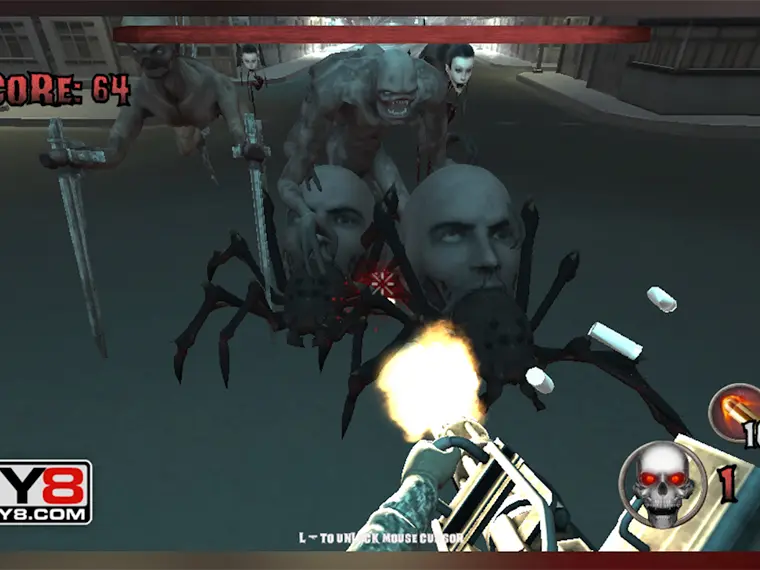
Choose a save mode, then start
Ghost Town WebGL first offered Online Save and Local Save during our check. The online panel asks for a login and displays additional account-related benefits. The local panel explicitly says that progress is saved offline in the browser cache. Selecting Local Save continued to the title menu without requiring an account.
That message explains where the game intends to keep local progress; it is not a guarantee of restoration after clearing browser data. We verified entering this mode, not recovering a saved campaign on another computer. Keep the distinction between local play and account services in mind when deciding whether to change browsers or remove site data.
At the Ghost Town WebGL title menu, select Start to enter the scene. Leaderboard and Achievements are separate choices. A Download Game option also appears inside the provider's menu, but using the browser session did not require it. Wait for the transition to finish and read the control overlay rather than repeatedly clicking through an unfamiliar screen.
Movement, attack and item use
The movement options shown in Ghost Town WebGL include WASD, ZQSD and arrows. Use the mouse to aim or look around, Shift to run and Space to jump. Left mouse click attacks with the current weapon. The numbered keys select weapons; E uses an item. Selecting, attacking and using are separate actions, so an item-use command should not be mistaken for the attack button.
Our starting scene showed a melee weapon. That observation does not mean that every numbered slot begins with a usable firearm. Look at the weapon actually held before planning a ranged attack. Pressing a selection key is not evidence that ammunition or a weapon has been acquired, and this guide does not invent pickup locations for equipment we have not inspected.
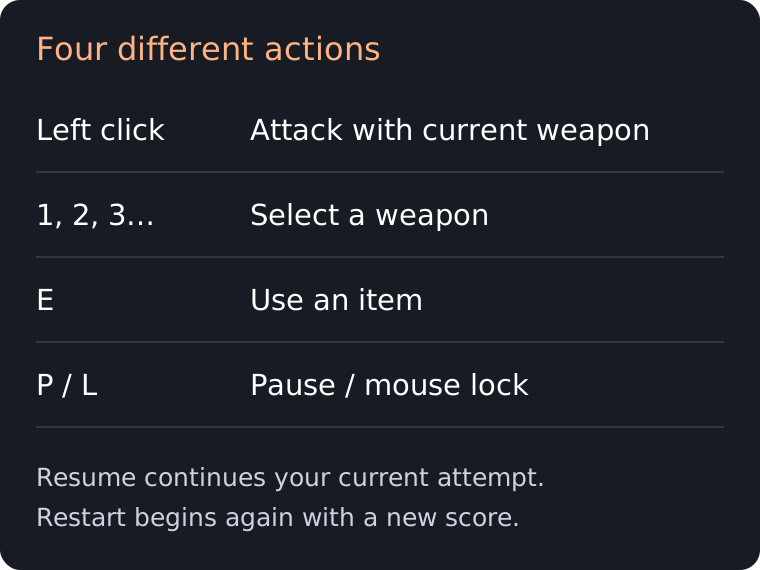
Click inside the player before using its keys. The scene displays an L mouse-lock reminder. Locking the pointer helps camera control; releasing it helps you reach surrounding instructions. P opens the pause menu. If you need to stop and read this guide, use pause as well as changing cursor lock, because a free cursor alone does not mean the action has stopped.
Make the first attempt a useful test
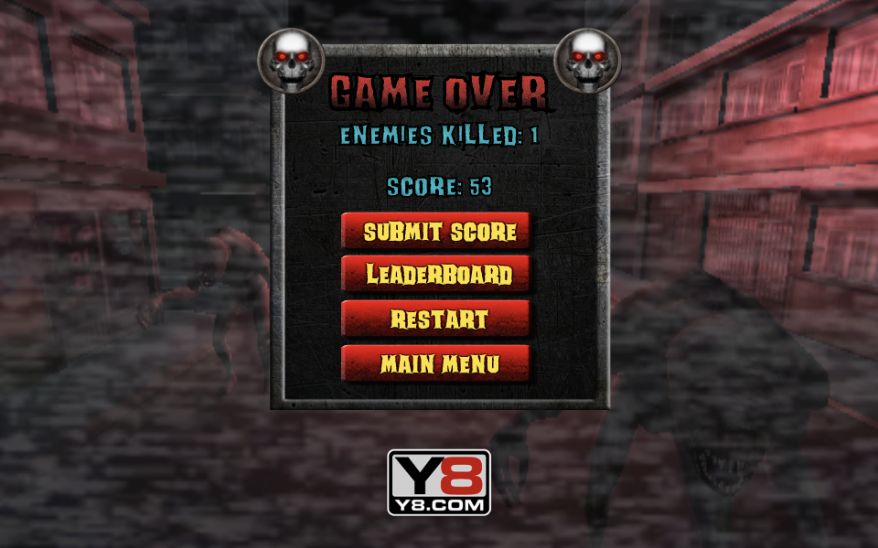
A productive first Ghost Town WebGL attempt is small and observable: enter the street, identify the weapon, attack an approaching enemy and check the outcome. You do not need a high score to learn whether the inputs are working. During our desktop test, the result recorded one enemy killed and a score of 53 after a short melee encounter.
Those numbers describe that test, not a promised reward per enemy or a target you must match. The game displays score and enemies killed as different values. Record both if you compare your own attempts. Without testing a scoring formula, multiplying one observed result by the number of enemies would give a misleading prediction.
When several creatures approach, keeping them in view is a sensible priority. Avoid focusing on one target so narrowly that you stop noticing the surrounding street. This is suggested combat awareness, not a guaranteed tactic or an exact route. Use a recognizable corner or intersection to orient yourself after turning, and make the next attempt about one improvement rather than changing every habit at once.
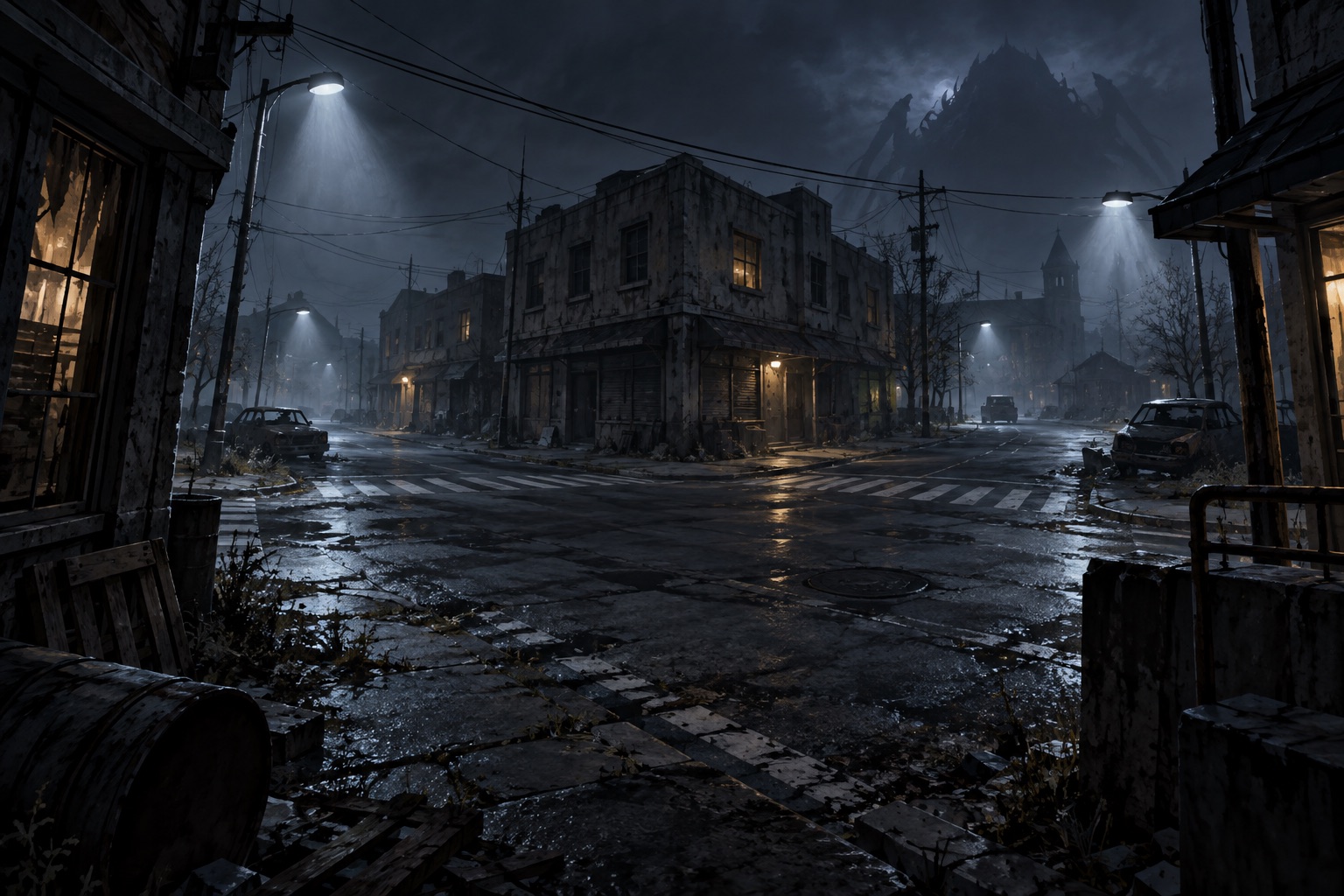
Resume and restart have different effects
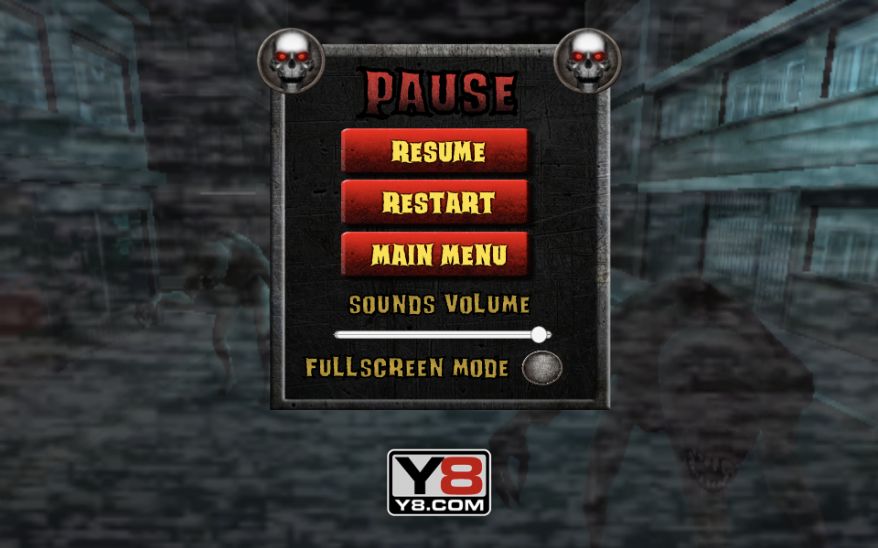
The Ghost Town WebGL pause panel offers Resume, Restart and Main Menu, along with a sound-volume slider and fullscreen option. Resume returned us to the current scene. Restart means beginning another attempt; Main Menu leaves the current playing view. Read the label before clicking, especially when the mouse has just been released from camera control.
After defeat, Ghost Town WebGL shows the result and separate options for score submission, leaderboard viewing, restarting and returning to the menu. We closed the leaderboard panel and selected Restart without registering. The next attempt returned to score zero and the control overlay. You can therefore distinguish trying again from taking part in an account-based score service.
Loading, devices and common questions
What if loading stops at 70 percent?
That happened on our first Ghost Town WebGL load. A single page reload subsequently reached the save-choice screen. This is a useful recovery attempt, not proof that every stalled load has the same cause. Allow the loader time first; reloading an active session can discard its current state.
Does it work with phone controls?
The publisher lists desktop play. This guide and its images fit a narrow screen, but that does not add a touch movement pad or reliable aiming controls to the game. Use a computer with a keyboard and mouse for the combat task described here.
Is this multiplayer or an unblocked edition?
The listing identifies a single-player title. Being playable online does not create cooperative play, and this page does not provide a modified edition that bypasses a school's or workplace's restrictions. It uses the publisher's supplied browser player.
Where should I go for a different challenge?
The Forsaken Lab 3D adds a diary and equipment-management focus. Call of Zombies offers another monster-combat setting. Return to the 20-game collection for racing and driving alternatives.
About this guide
Identity and published device support come from Y8's Ghost Town WebGL listing. Menu, pause and result descriptions were observed in the embedded build. Blockdeck is an independent guide, not the developer or the operator of the game's online account services.