Nightmare Creatures: the browser survival shooter
Nightmare Creatures opens in a deserted reception hall with a handgun, a health display and a night counter. This page hosts the single-player WebGL game listed by Y8 in August 2018. Use a desktop keyboard and mouse for the embedded player above. The guide below covers the opening session, shooting feedback, settings and restarting after defeat, with screenshots taken from this build.
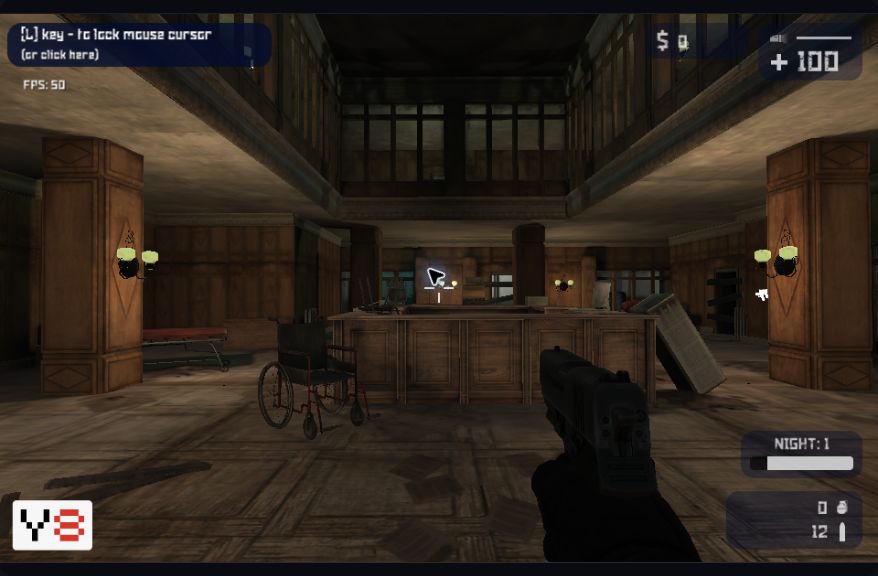
Check the version before following a walkthrough. A search for Nightmare Creatures can also lead to the older console game with the same name. Those characters, levels and progression instructions do not describe this hospital shooter. Here, the useful first landmarks are the reception counter, wheelchair and numbered night display. Match these details to the player before trying advice from another source.
Start Nightmare Creatures and read the HUD
The Nightmare Creatures window loads automatically on this page. Wait for the provider's loading sequence, then choose New Game from the title screen. The provider may display its own account prompt or other interface before the title menu. In our opening test, closing the account overlay allowed us to reach New Game without creating an account. That observation does not establish cross-device saving or permanent progress storage.
The first room has a wooden reception desk ahead and a wheelchair nearby. Our fresh run showed health 100, cash 0, Night 1, zero grenades and 12 rounds in the ammunition display. Read these indicators before firing: the large health number sits at the upper right, while the night and ammunition information sit lower down on that side. They let you distinguish a fresh run from an already active session.
We tested Nightmare Creatures by clicking inside the scene and firing the starting handgun. The ammunition count changed from 12 to 11, then to 10 after another shot. This provides a simple check that the game has received your mouse input. A changed ammunition count confirms a shot, not a successful hit. The floor impact in our test did not establish a creature kill or any earnings.
Nightmare Creatures controls
The publisher lists the following keyboard and mouse commands for Nightmare Creatures. Click within the game before using them. The mouse controls the view, so a cursor moving across the webpage alone does not mean the game is receiving aim input. Its upper-left hint names L for locking or unlocking the mouse cursor; read the current hint when switching between play and the surrounding guide.
| Input | Listed action |
|---|---|
| WASD, arrows or ZQSD | Move |
| Mouse / left click / right click | Aim / shoot / zoom |
| Space / C | Jump / crouch |
| Mouse wheel | Switch weapon |
| E | Buy guns |
| P / L | Pause / toggle mouse lock |
We verified individual shots and the P pause command during the opening session. The listed E command did not open a purchase screen in our brief test, so this guide does not promise that shopping is available at every moment or location. Follow the game's current prompts for purchase availability. Weapon prices, later equipment and a complete movement route have not been verified here.
Pause, resume and adjust the view
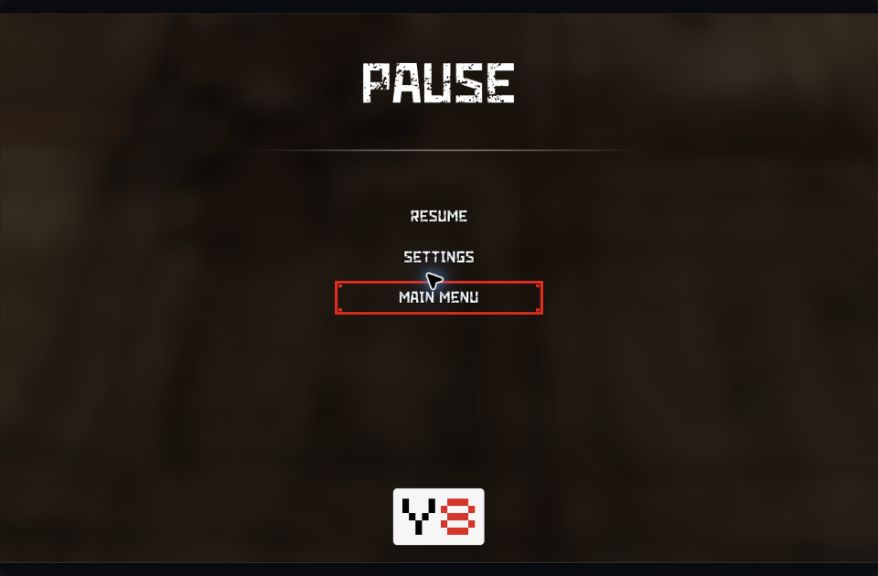
Press P to open the Nightmare Creatures pause menu. It offers Resume, Settings and Main Menu. Resume returns to the active scene; it is useful when you want to read the instructions below without continuing an exposed session. Choose Main Menu only when you intend to leave that active view. We have not verified whether returning to the title preserves every part of a run.
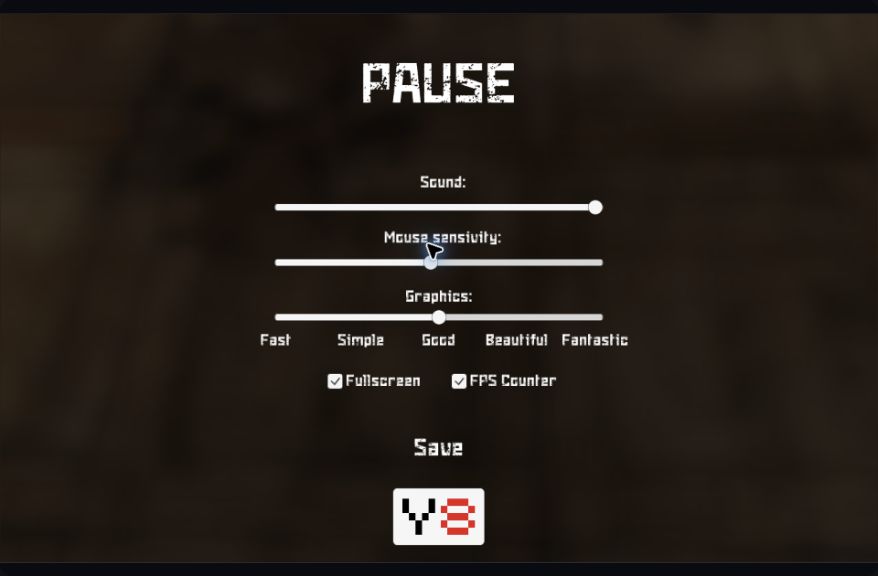
Nightmare Creatures settings include sound volume, mouse sensitivity and a graphics slider. The visible quality labels are Fast, Simple, Good, Beautiful and Fantastic. Fullscreen and FPS Counter checkboxes appear underneath. The screenshot records the menu we observed; it is not a benchmark or a promise of the same frame rate on your computer. Different hardware and other running tabs can change performance.
If aiming feels difficult to control, adjust mouse sensitivity and compare a small turn in the same room. If rendering stutters, try a lower graphics setting, then judge whether movement feels more consistent. Change one setting at a time so you can identify its effect. The Save control returned us to the pause menu. It should not be confused with a verified checkpoint or account-save feature.
Restart Nightmare Creatures after a failed run
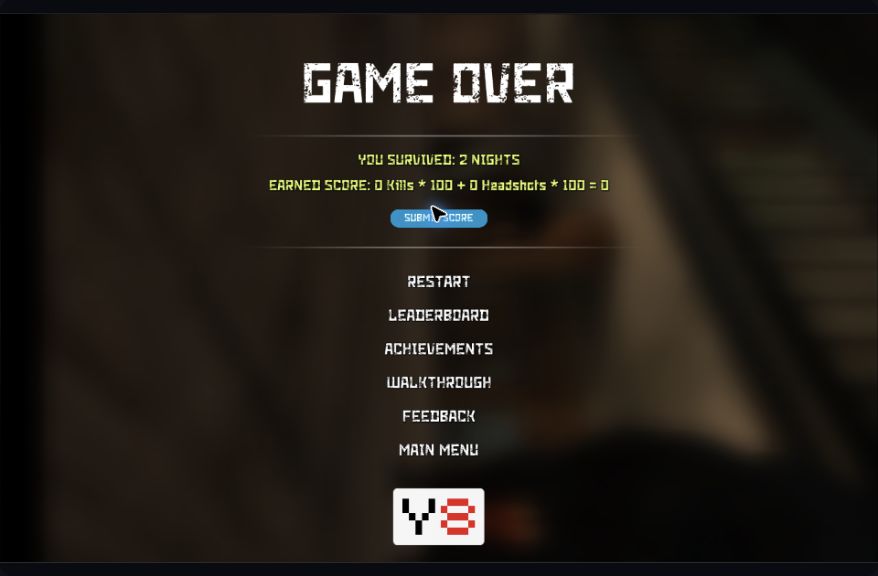
Our Nightmare Creatures session eventually reached Game Over. The result displayed two nights survived and zero earned score, with separate kill and headshot terms in the score calculation. This was a failure-state test, not a successful survival strategy. A night count by itself does not demonstrate accurate shooting, weapon purchases or a cleared challenge. Read the result together with its score details.
Selecting Restart in Nightmare Creatures returned us to the reception hall at Night 1, health 100, cash 0 and 12 rounds. This is the recovery path we verified. The result screen also offered leaderboard, achievements and other provider links, plus a Submit Score control. We did not submit the test result. You do not need to post a score just to use the verified Restart path.
Device limits and common questions
Can I play Nightmare Creatures on a phone?
The publisher lists a desktop browser, and the controls require keys and mouse aiming. This page scales for reading on a phone, but resizing the player does not add a touchscreen control scheme. Use a desktop for the tested gameplay path. The readable guide and related-game links remain available on smaller screens.
What if Nightmare Creatures stays blank?
Allow the provider's loader to finish before clicking repeatedly. If loading remains stuck, a single page refresh can retry the embedded session, but it can also discard an active run. Check whether other browser games load before treating the issue as specific to this title. No download from a separate installer is required by this page.
Does Nightmare Creatures have a verified weapon-buying guide?
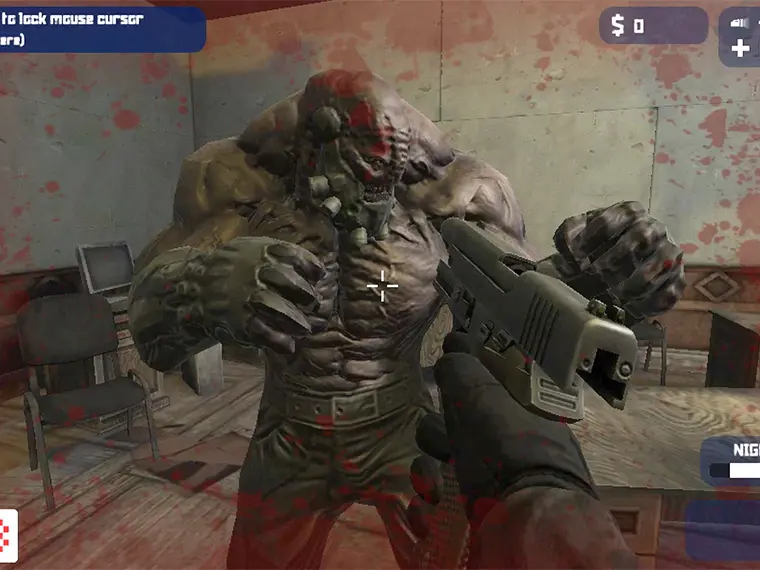
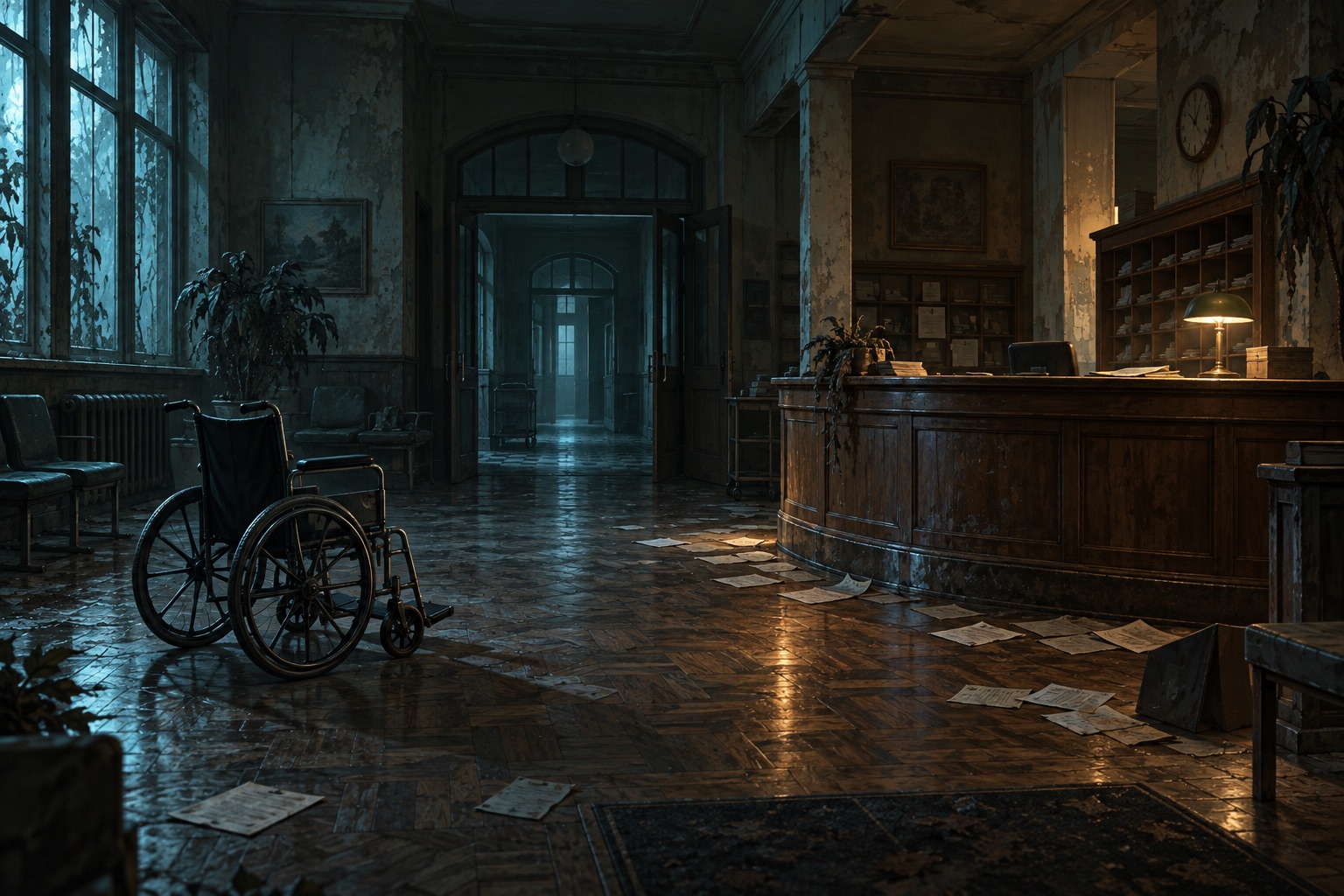
Not yet. Y8 describes earning money for better weapons and lists E for buying guns, but our recorded test covers the starting handgun and menus. It does not establish prices, purchase timing or the best upgrade order. The illustration below conveys the setting only; it is not an annotated route, a hidden-item map or evidence of an additional level.
Related play and source
For another browser shooter with a separately documented shop test, see Call of Zombies. For an island setting with inventory and diary screens, try The Forsaken Lab 3D. These are separate games with different controls and progress systems.
This Nightmare Creatures guide uses Y8's game listing and direct observations of its embedded build. Game assets belong to their respective owners; Blockdeck is an independent guide. Browse the full selection of twenty companion games to choose another setting.