Nox Timore: the browser edition
Nox Timore is a first-person horror game built around searching dark rooms for notes. Finding a note can change the surroundings, so remembering where you entered matters as much as spotting the next object. The window above loads the Y8 browser build directly. Use the game's own menu to start your run; the guide stays below it when you need to check an input.
This page covers the older browser release, not the downloadable Nox Timore Remake. Search results often mix the two. The remake has a separate Steam listing dated September 2022, while Y8 lists its browser version from August 2016. A walkthrough recorded in the remake may therefore show rooms or events that do not match the embedded game.
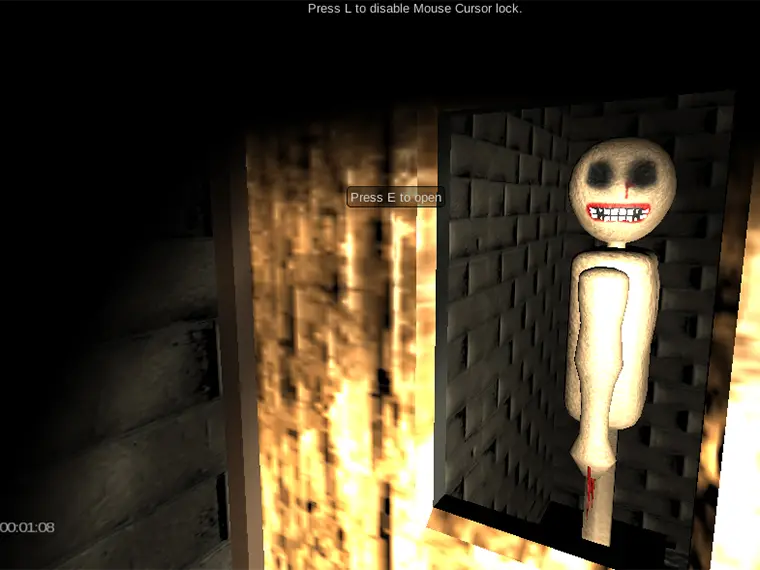
Nox Timore controls and mouse lock
Begin with three actions: movement, looking and interaction. Use WASD or the arrow keys to walk, move the mouse to look around, and press E to interact with an object. These are separate inputs: turning the camera toward a note does not collect it, and walking close to a door does not necessarily open it.
| Input | What to do |
|---|---|
| WASD / arrows | Move through the room. |
| Mouse | Look toward doors, shelves and objects. |
| E | Interact when you are close enough. |
| L | Toggle the mouse lock shown in the game. |
| P | Open the pause menu. |
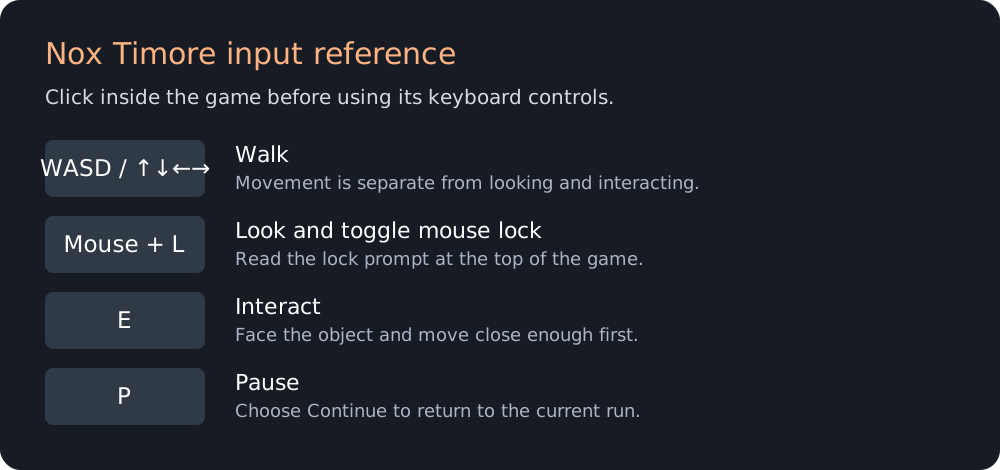
Click inside Nox Timore before testing the keyboard. When the pointer reaches the edge of the game and looking becomes awkward, use L; the message at the top changes to reflect the lock state. Release the lock before clicking links outside the player. The browser's Escape key can also leave pointer lock, but do not assume that releasing the pointer pauses the game.
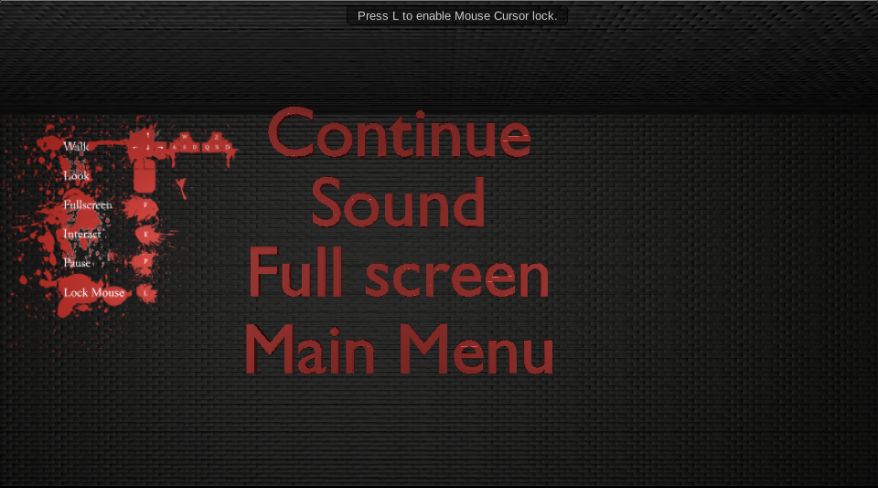
The Nox Timore pause menu provides Continue, Sound, Full screen and Main Menu. Use Continue when you want to return to the same run. Main Menu is a different action and may abandon your current exploration. Adjust sound before proceeding if the sudden audio cues are uncomfortable. Fullscreen enlarges the presentation; it does not reveal items or change the objective.
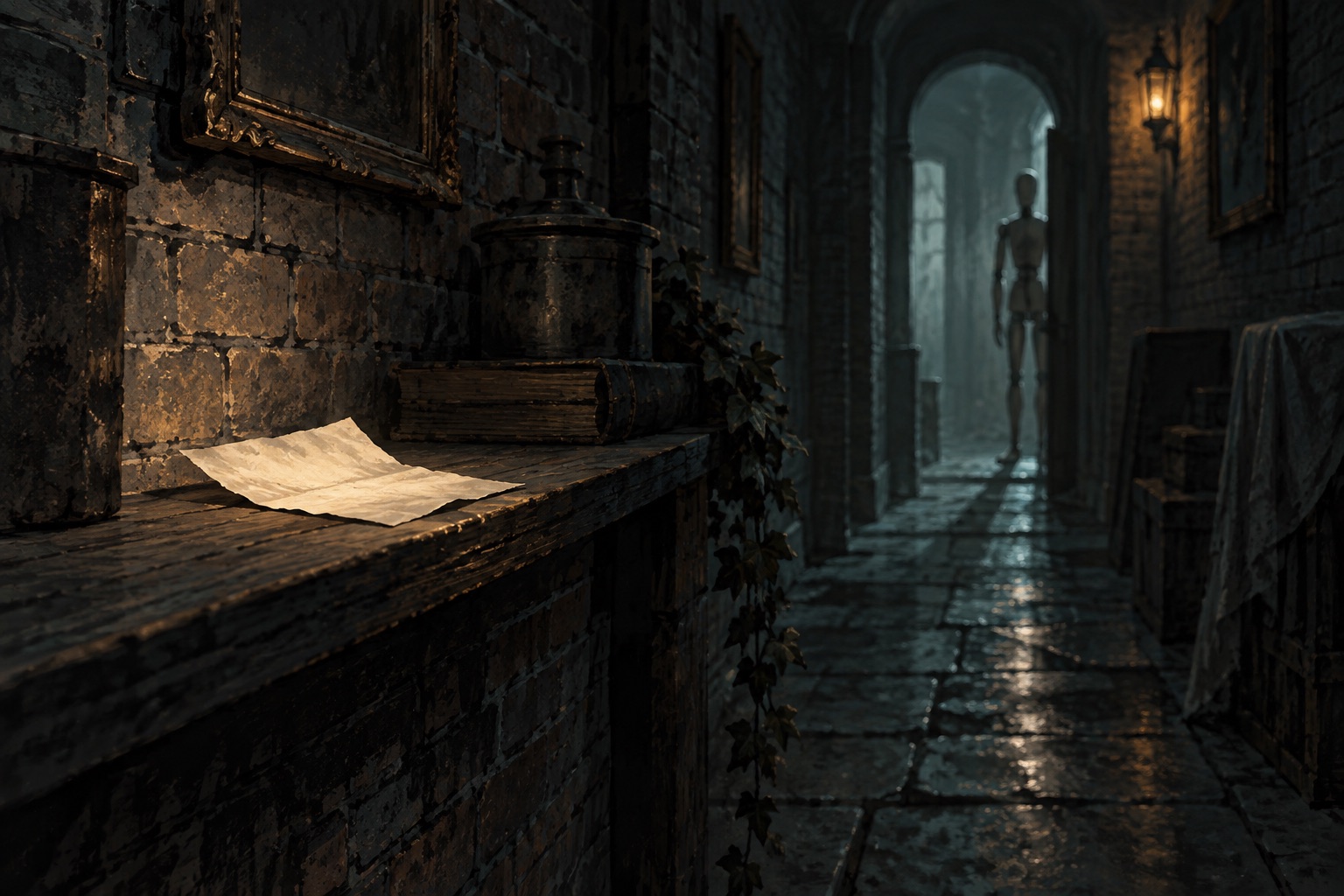
A practical way to search the rooms
Treat your first Nox Timore attempt as a short orientation exercise. Identify the doorway behind you, inspect the nearest wall, and choose one side of the room to follow. Checking one surface at a time is easier to track than moving diagonally between every dark shape. If you turn suddenly after a scare, use the doorway to regain your bearings before searching again.
Separate looking from walking. Stop at an intersection, inspect both openings, then pick a direction. This is a suggested search habit rather than a guaranteed solution to the game's changing rooms. A wall-following routine can help you notice what you have checked, but it cannot prove that a room will stay unchanged after you collect a note.
When you find something that appears usable in Nox Timore, approach carefully and face it before pressing E. If nothing happens, change your distance slightly and try again once. Repeatedly pressing the key while spinning the camera makes it harder to distinguish a missed interaction from an object that is merely decoration. Watch the scene for a visible change rather than relying only on the keypress.
After an interaction, take a moment to look back along the route you just used. Note collection is a reason to reassess the surroundings, not a signal to keep following the same memorized turns. This spoiler-light approach lets you discover the unsettling events yourself while still giving each room a clear search order.
When Nox Timore seems stuck
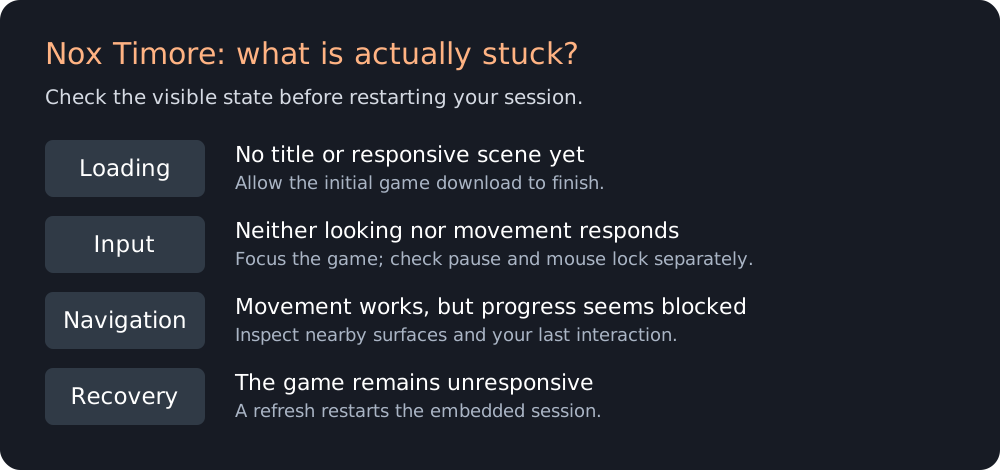
First decide whether the problem is input or navigation. If the scene responds to looking and walking, the game is running; an unresponsive door is then a different problem from a frozen player. Search nearby surfaces and revisit your last meaningful interaction. Do not refresh immediately, because a reload discards the current embedded session.
If no movement occurs, click back inside Nox Timore and test one movement key in an open direction. A wall directly in front of you can hide a successful forward input, so try a sideways step too. If the pause menu is visible, choose Continue. Check the mouse-lock prompt separately from the pause state instead of assuming that one controls the other.
A loading screen is not the same as the dark opening scene. The title menu or a responsive camera confirms more than a black rectangle. Let the first load finish before refreshing; repeatedly reloading restarts that process. If a fresh attempt still never reaches a menu, try another current desktop browser and use one of the related games while the provider is unavailable.
Nox Timore questions
Can I play Nox Timore on a phone?
The publisher lists this build for desktop play. The page and guide fit a small screen, but that does not supply the keyboard and mouse inputs the game expects. Read the controls here on mobile and use a computer for a run. A touch-only session should not be treated as equivalent to the desktop experience.
Do I need a Nox Timore download?
The embedded browser release does not require a separate installer. If you specifically want Nox Timore Remake, check its own developer or storefront page and compare the title before downloading. This page does not distribute an executable or promise that the browser build contains the remake's content.
How do I turn on the flashlight?
Do not transfer the F flashlight instruction from the separate game Timore to Nox Timore. The controls consulted for this browser build identify F as fullscreen, and its pause screen provides a Full screen option. Darkness alone is not evidence that a missing flashlight needs to be equipped. Follow the instructions displayed by the build you are actually playing.
Is Nox Timore multiplayer?
The publisher identifies this as a single-player game. The achievements and high-score entries in its menu do not create a shared exploration session. For a game to play together on the same keyboard, the separate Mayhem Racing page covers local split-screen racing.
Choose your next game
For another first-person search with notes, try Code_12. For a change from searching rooms to combat and escape, see The Forsaken Lab 3D. These are separate games with different controls. The companion-game collection also includes driving challenges when you want a break from horror.
Game identity and device support: Y8 listing. Edition distinction: official remake listing. Blockdeck is an independent guide, not the developer or a Jeep Horror sequel publisher.
For an optional longer view, Gameiverse's Nox Timore gameplay shows the original browser-era presentation. It includes later exploration, so use it only when you want to see beyond the opening.